
 = Partner Site
KWL Chart Templates (15 Printable PDFs)
Free, Printable KWL Chart PDFs
A KWL chart is often used in classrooms to help students organize their thoughts and make learning more effective. The chart is divided into three columns labeled ‘K’, ‘W’, and ‘L’, standing for “What I Know,” “What I Want to Know,” and “What I Learned.” Before diving into a new topic, students fill in the ‘K’ column with things they already know about the subject. Then, they fill in the ‘W’ column with questions or topics they’re curious about. As they learn, they complete the ‘L’ column with new information and answers to their questions. This helps students be more aware of what they’re learning, making the whole process more engaging and meaningful.
Using a KWL chart is like going on a little learning journey. You start with a map of what you already know, set goals for where you want to go, and then fill in the details as you explore. Teachers love it because it encourages students to be active participants in their own learning, and it provides a quick way to assess what students have gained from a lesson.
We’ve included 15 different designs for you below. These are all printable PDF files, so just download and print!
KWL Chart Template Library (Printable PDFs)
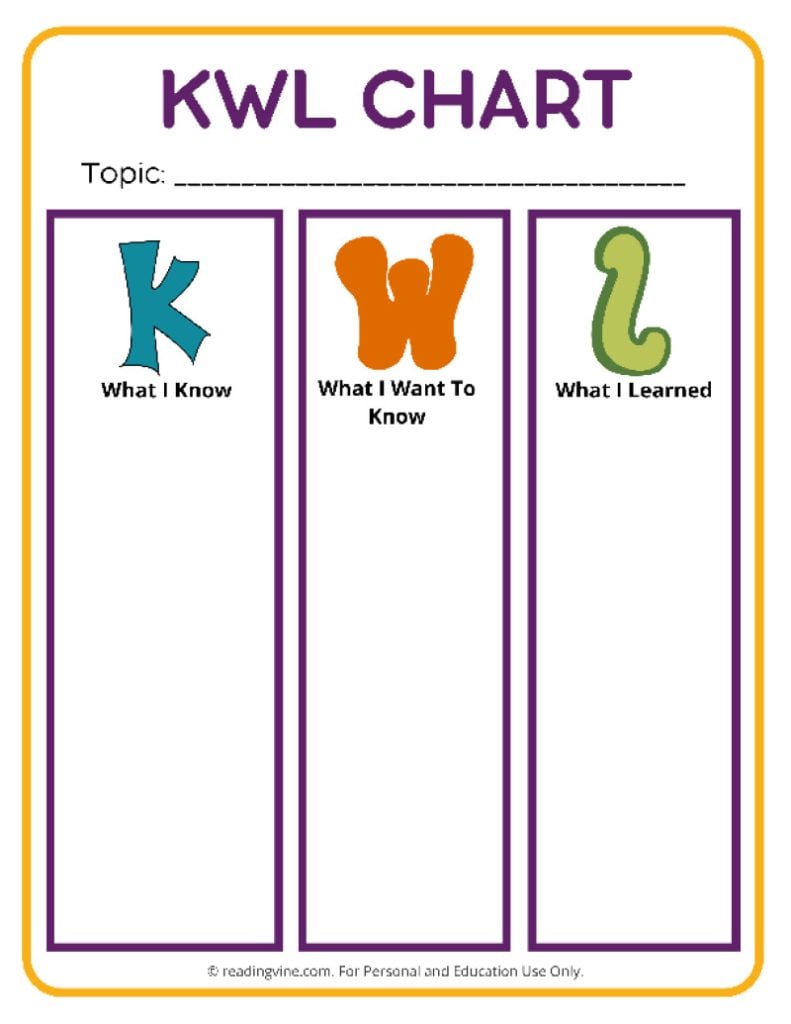
KWL Template #1
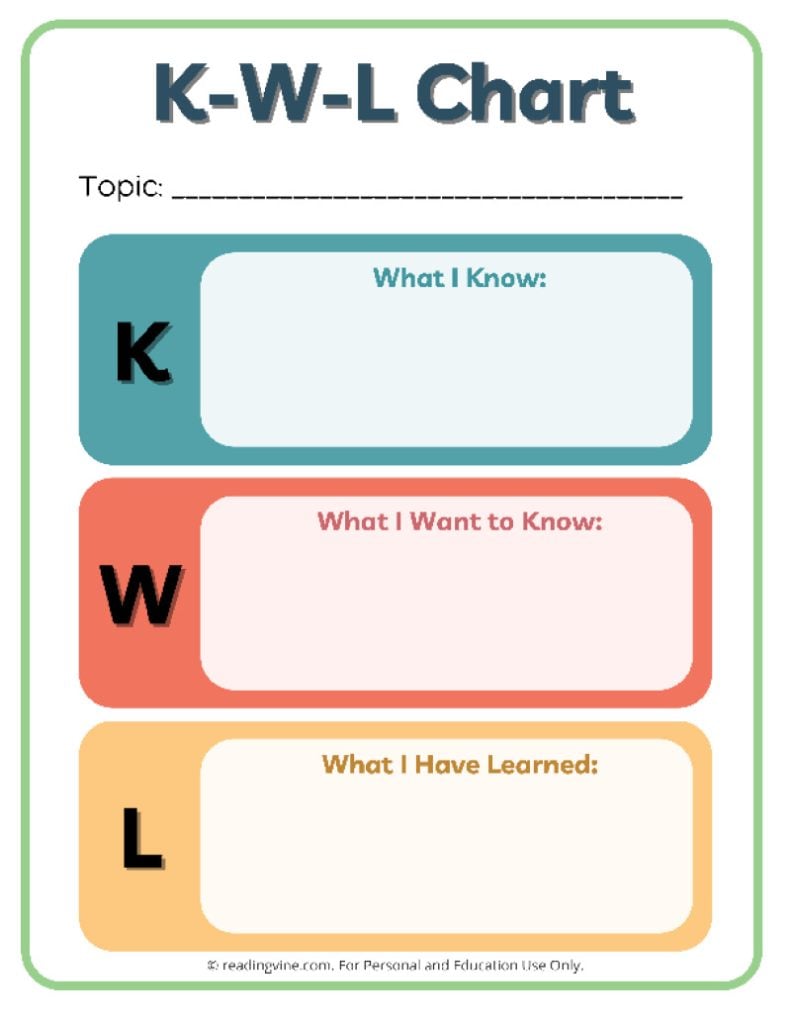
KWL Template #2

KWL Template #3
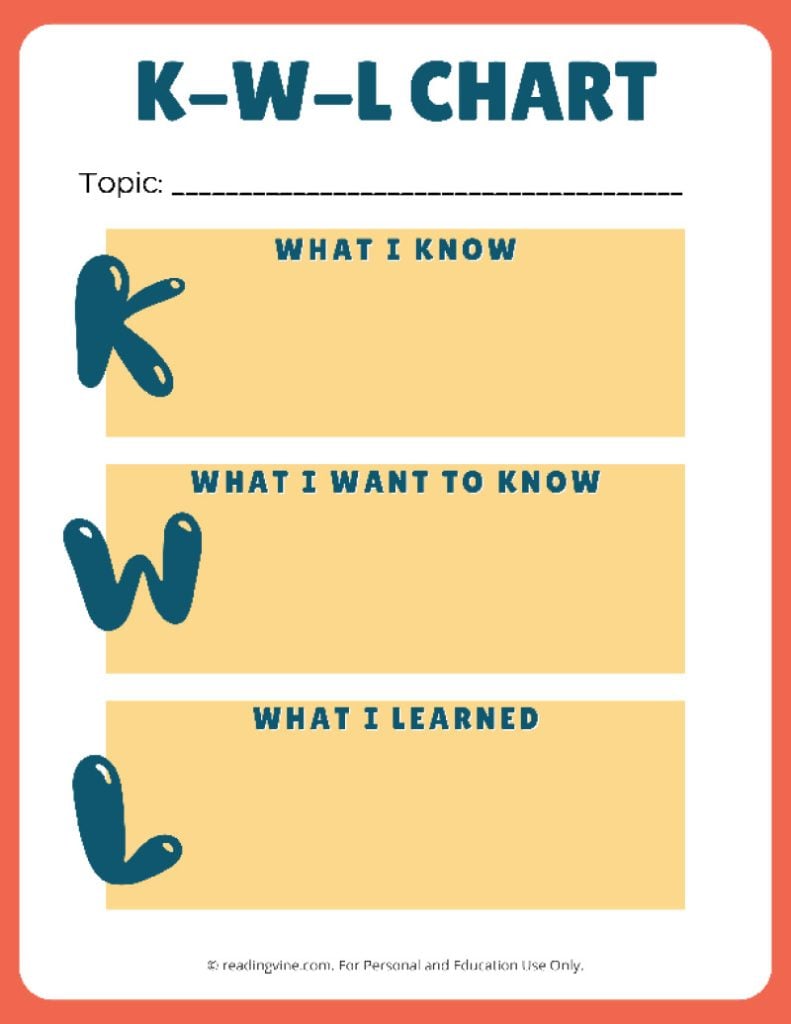
KWL Template #4

KWL Template #5
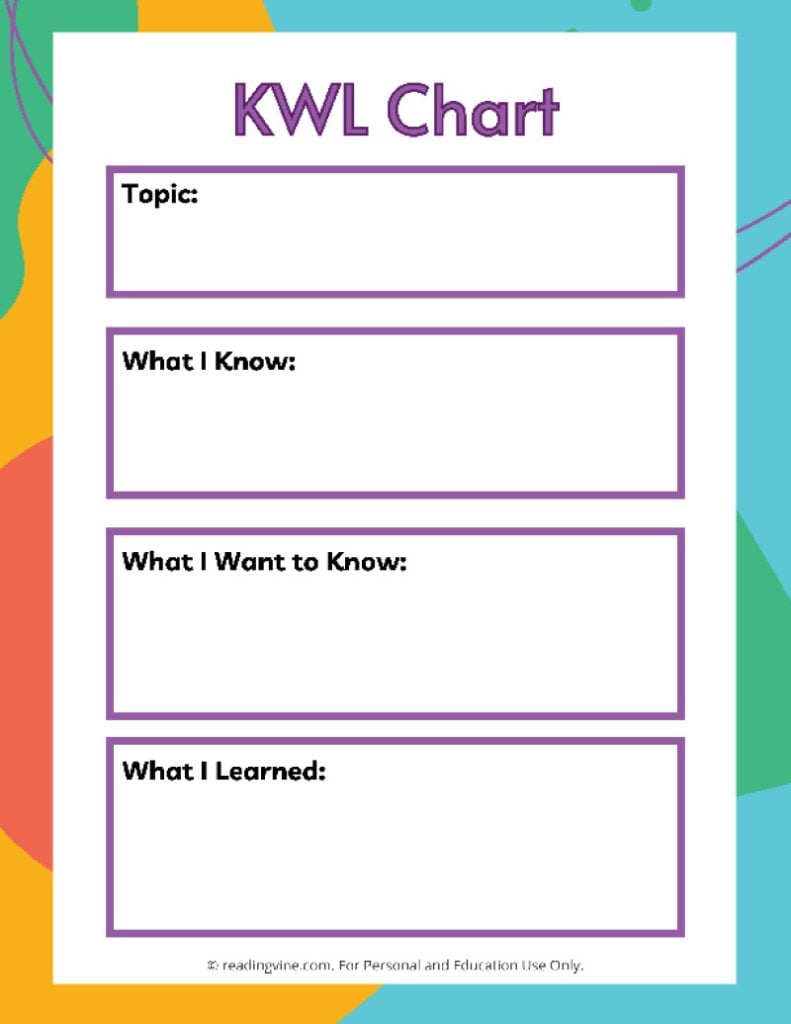
KWL Template #6

KWL Template #7
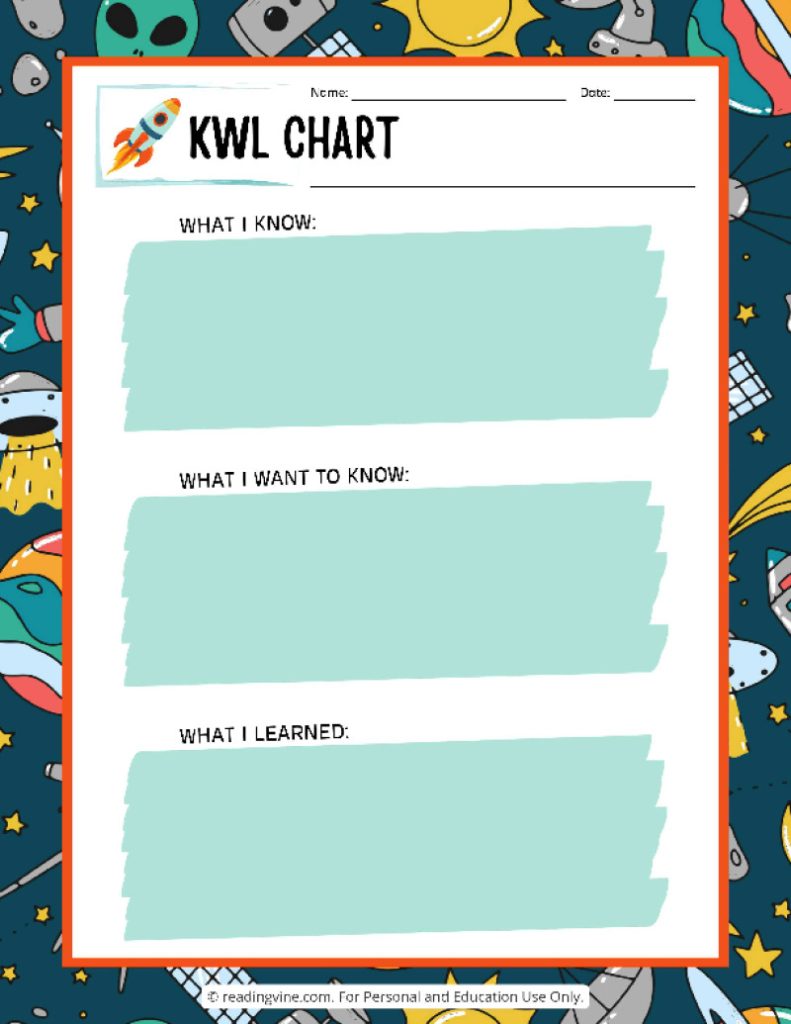
KWL Template #8
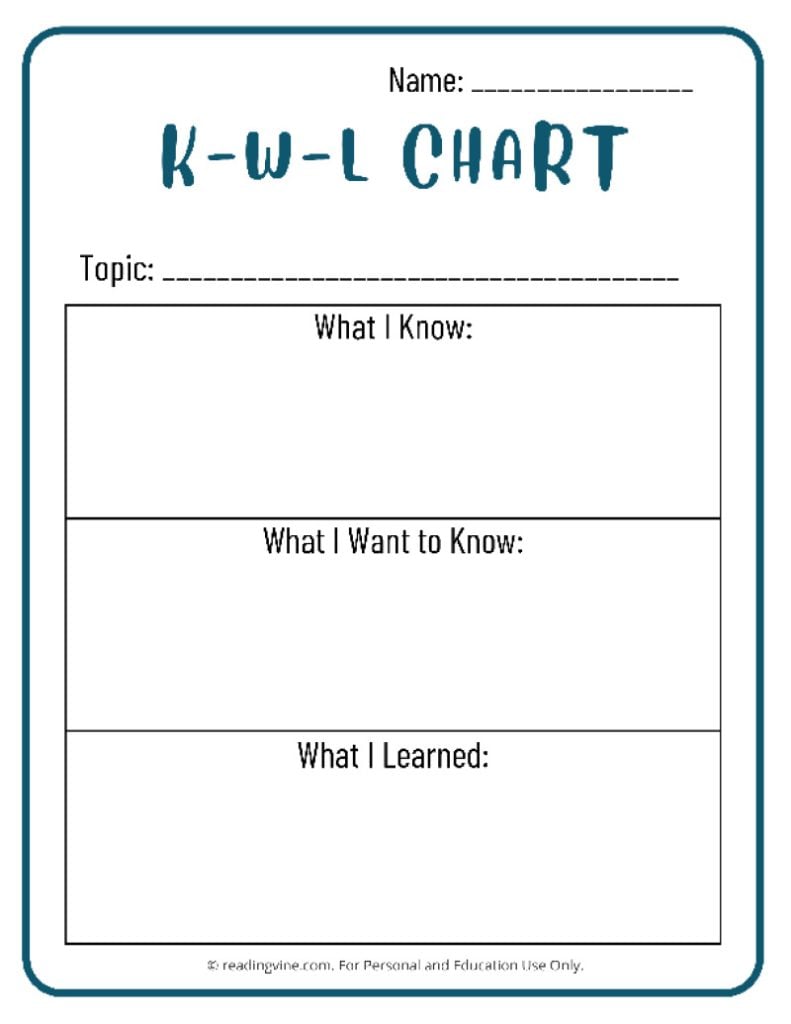
KWL Template #9

KWL Template #10
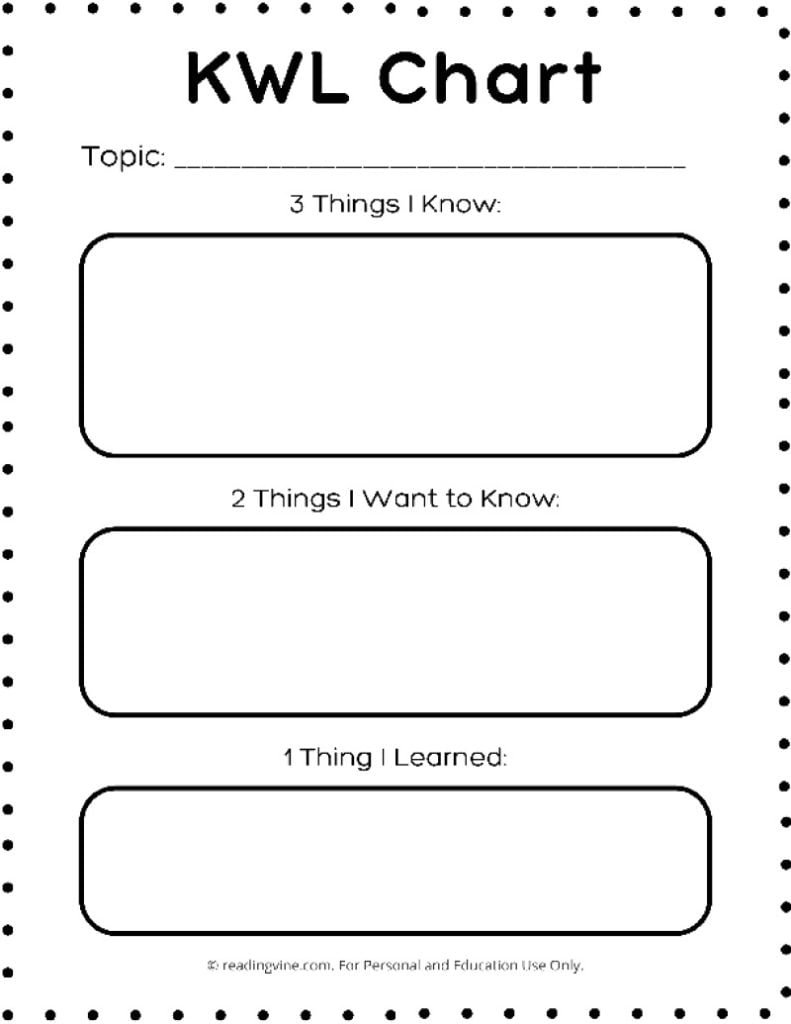
KWL Template #11
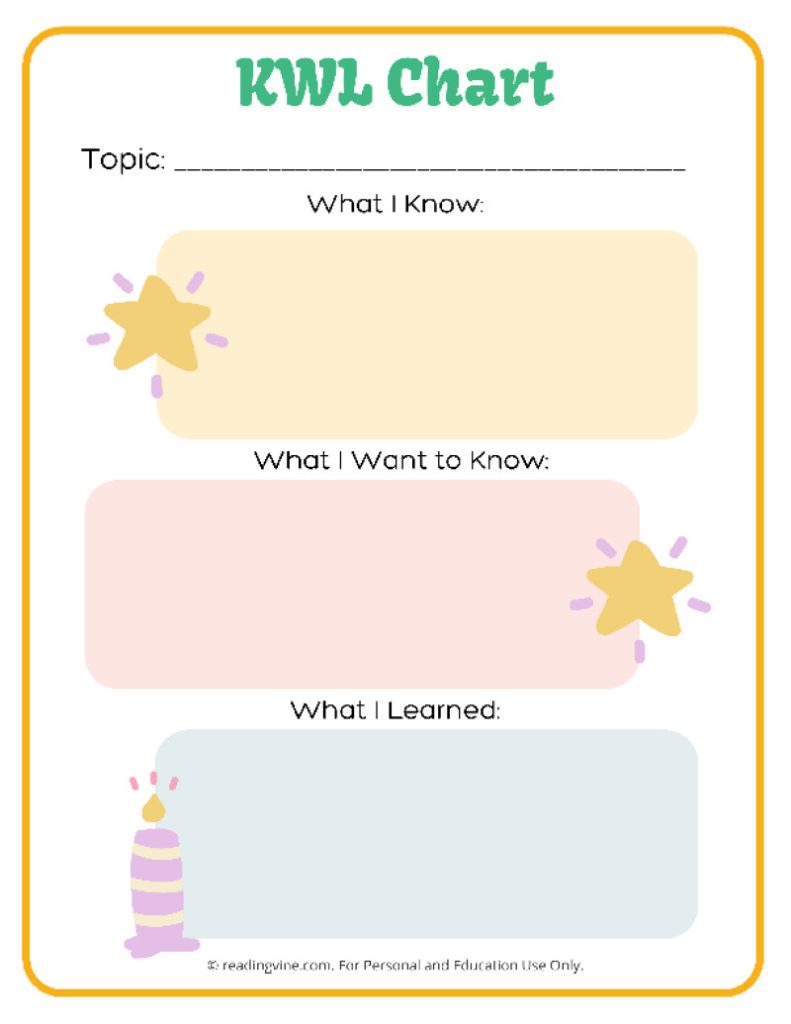
KWL Template #12

KWL Template #13

KWL Template #14

KWL Template #15
How are KWL Charts Used?
1. Setting the Stage: ‘What I Know’
At the beginning of a lesson or unit, the teacher prompts students to fill out the first column, “What I Know.” This section is used for students to record their existing knowledge on the subject matter. It helps teachers understand their students’ baseline knowledge and any misconceptions that might need correcting during the course of study.
2. Developing Curiosity: ‘What I Want to Know’
The second column, “What I Want to Know,” is filled out next. Here, students list questions they have about the topic and what they hope to learn. This step is crucial as it helps in setting learning objectives and motivates students by aligning the lesson with their interests and curiosities.
3. Reflecting on Learning: ‘What I Learned’
After the instructional activity, students fill out the third column, “What I Learned.” This part is used to summarize new information learned, answers to the questions they initially posed, and reflections on the learning experience. It serves as a powerful tool for both students and teachers to evaluate the effectiveness of the teaching and the depth of student understanding.
Tips for Effective Use
1. Encourage Honesty and Curiosity:
It’s important that students feel comfortable acknowledging what they do not know and expressing genuine curiosity. Teachers should foster an environment where it’s safe to admit uncertainty!
2. Use as a Dynamic Tool:
While KWL charts are traditionally used at the beginning and end of a lesson, they can be revisited and adjusted throughout the instructional process. Encouraging students to add new questions and insights as they learn keeps the chart dynamic and closely tied to the students’ learning journey.
3. Integrate with Technology:
With the increasing use of digital tools in education, these tools can be adapted for use on digital platforms like educational apps or learning management systems. This allows for greater flexibility and the ability to share and collaborate among peers or with the teacher in real-time.
4. Customize According to Student Needs:
These tools can be modified to better suit different age groups or learning styles. For younger students, for example, using more visuals and fewer words can make the process more engaging. For advanced learners, expanding the sections to include a more detailed inquiry can provide depth.
5. Use as a Basis for Assessment:
Educators can use the completed charts not only as a reflection tool but also as a form of assessment to evaluate what students have learned and how well they have met the learning objectives.